If you encounter any in-game issues (display errors, UI/UX bugs, etc.), follow the steps below to resolve them and continue your Total Football VNG experience.
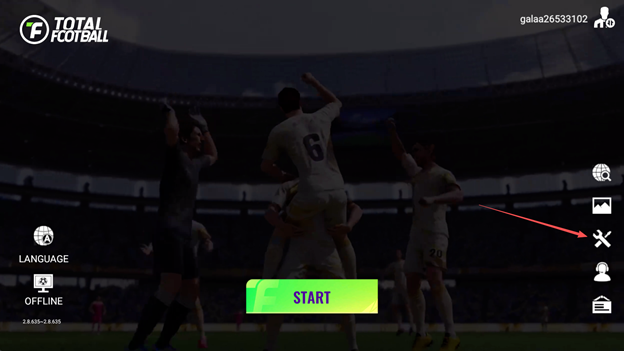
Step 1: Tap the Fix Errors button on the game's login screen.
Step 2: After tapping Fix Errors, a confirmation prompt will appear — select Agree to close the game and reload resources.
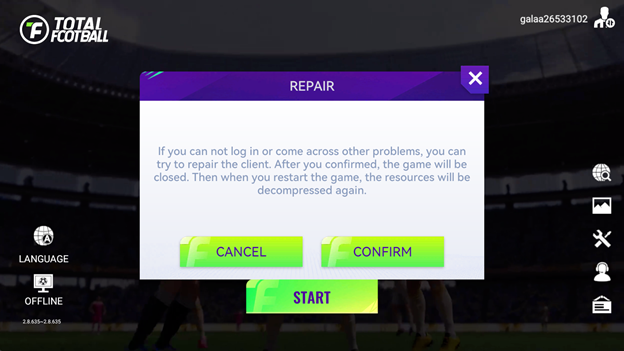
Once you select Agree, the game will close. Relaunch the game to reload resources — the fix will be complete once you successfully log back in.
Note: If the issue persists, please submit a support ticket by following the steps below:
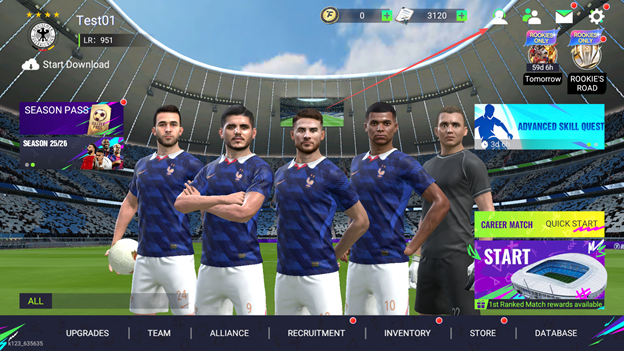
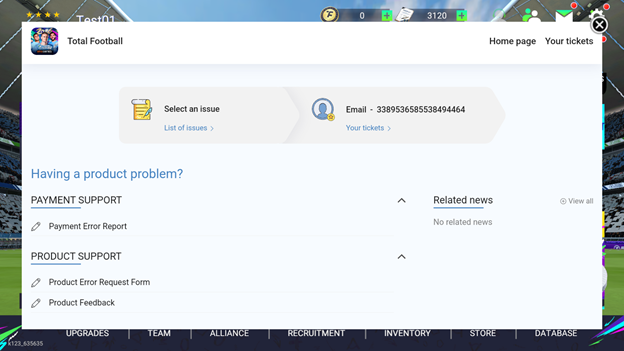
Select the issue you are experiencing and fill in the error description.
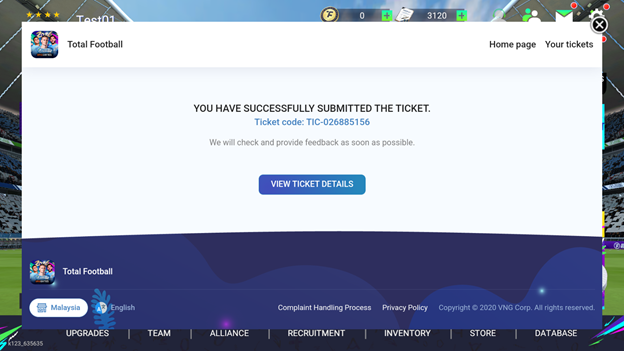
Once submitted, you will receive a Ticket ID to track the progress of your request.
LINKING YOUR GUEST ACCOUNT
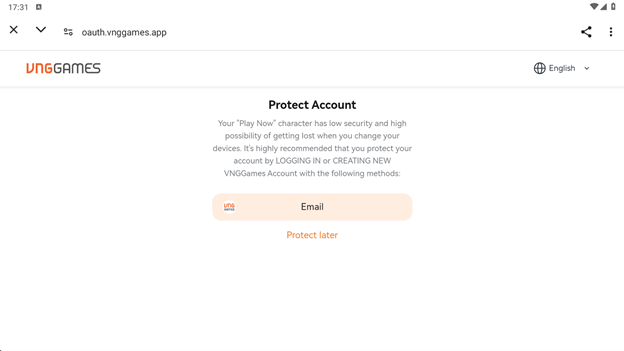
If you are using a Guest Account, please make sure to link your account before uninstalling or deleting the game to avoid losing your progress.
To access the account linking option, log in twice — the account linking prompt will appear on your second login.