Step 1: Visit the Webshop: HERE
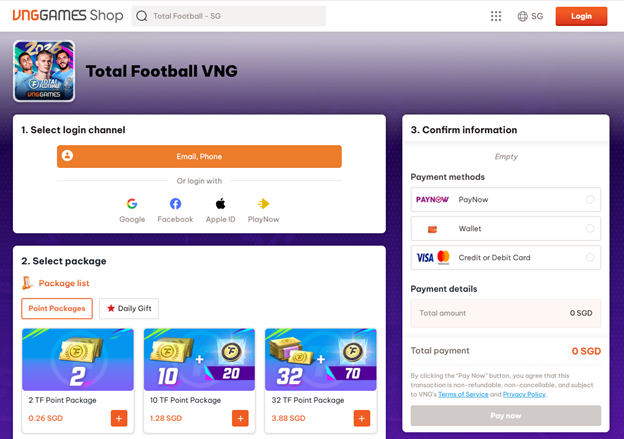
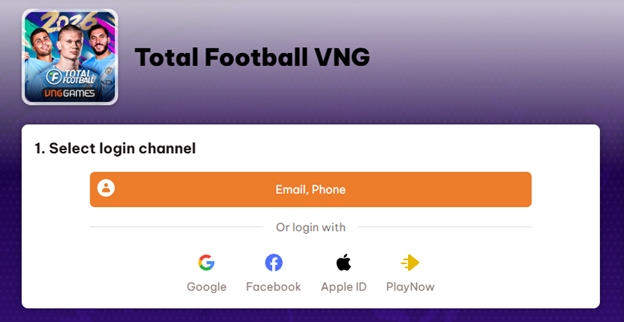
Step 2: Log in to your account.
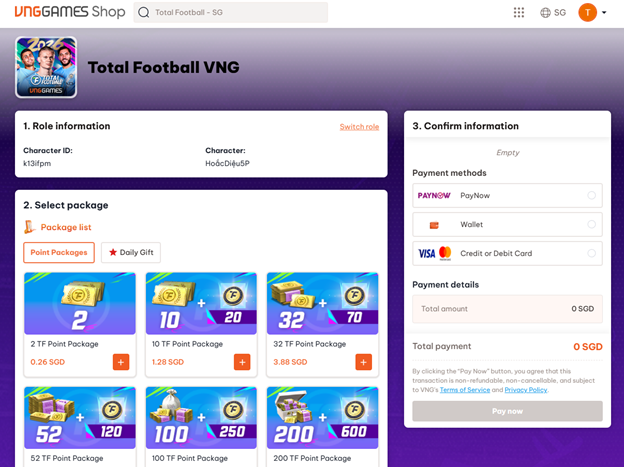
Step 3: After logging in, verify your account details. You can also purchase in-game packages through the Webshop.
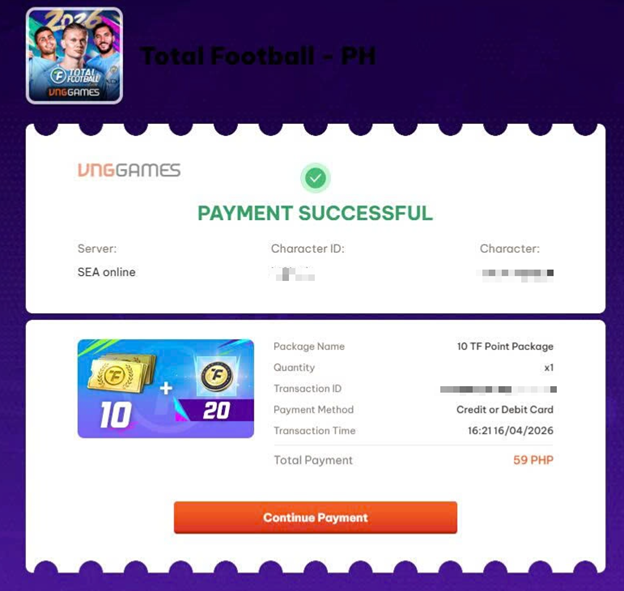
Step 4: Select your preferred top-up package and payment method, then click Pay — you will be redirected to the corresponding payment page.
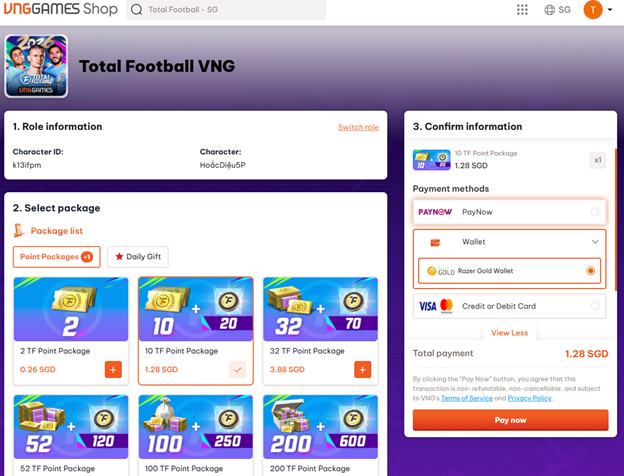
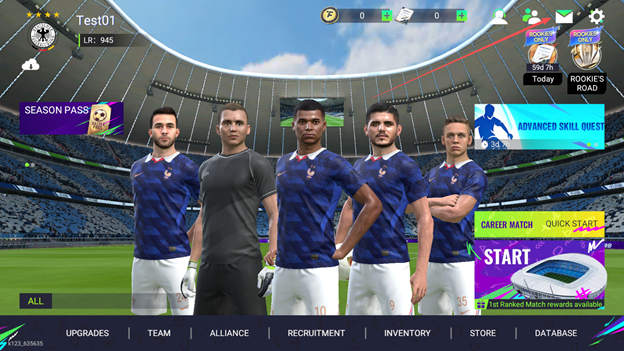
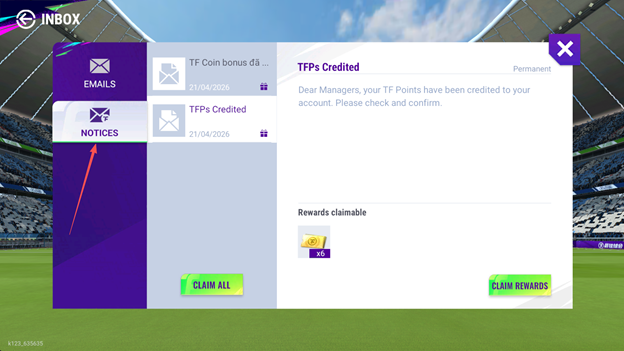
Note: Once payment is successful, items will be sent to your in-game Mailbox.
For any questions or issues regarding top-up and payment, please reach out to us via the official Total Football VNG Fanpage.