Hello Managers!
Here is a detailed guide on how to redeem a CODE in Total Football VNG.
Step 1: Visit the code redemption page HERE
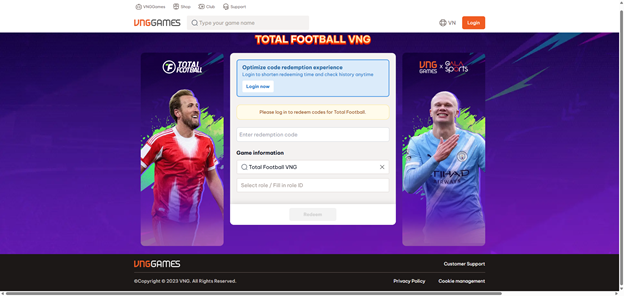
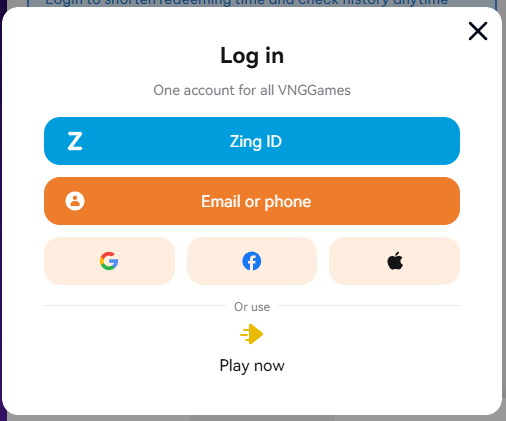
Step 2: Select your login method and log in to the account you want to redeem the code for.
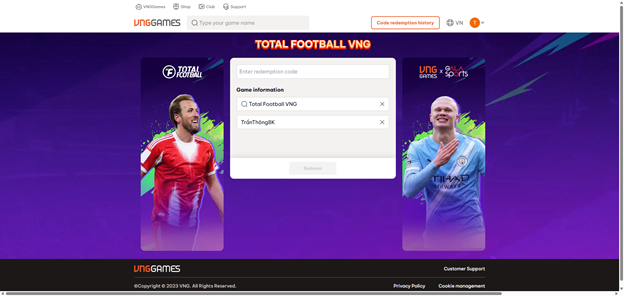
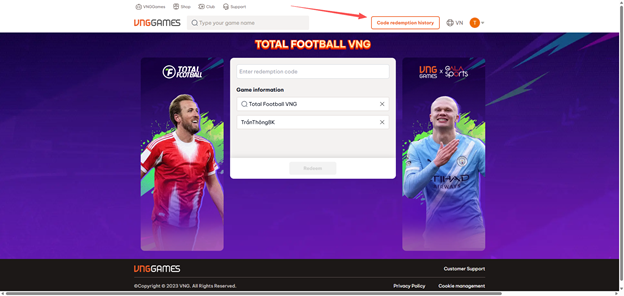
Step 3: On the redemption page, enter your code in the "Enter Code Information" field, select your Character, then click "Redeem Code".
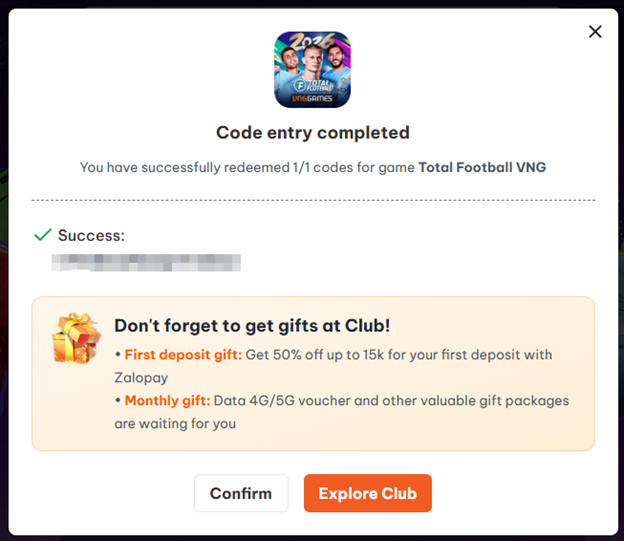
Step 4: Once you receive a success notification, log in to the game and check your Mailbox to collect your reward.
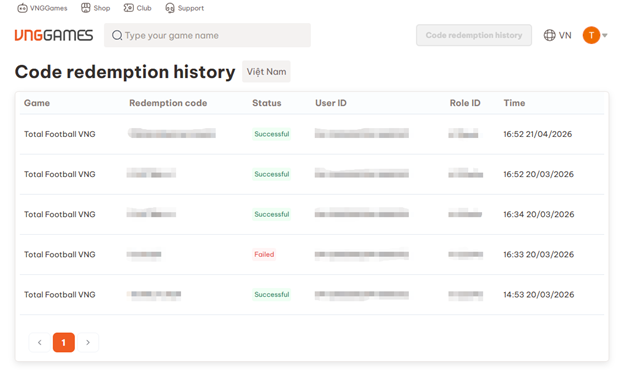
You can review previously redeemed codes under the Code Redemption History section.
For any questions or issues, please reach out to us via the official Total Football VNG Fanpage.